Live site · found by A hunter
Lifting App Tests Jev Decision Model for Workout Coaching
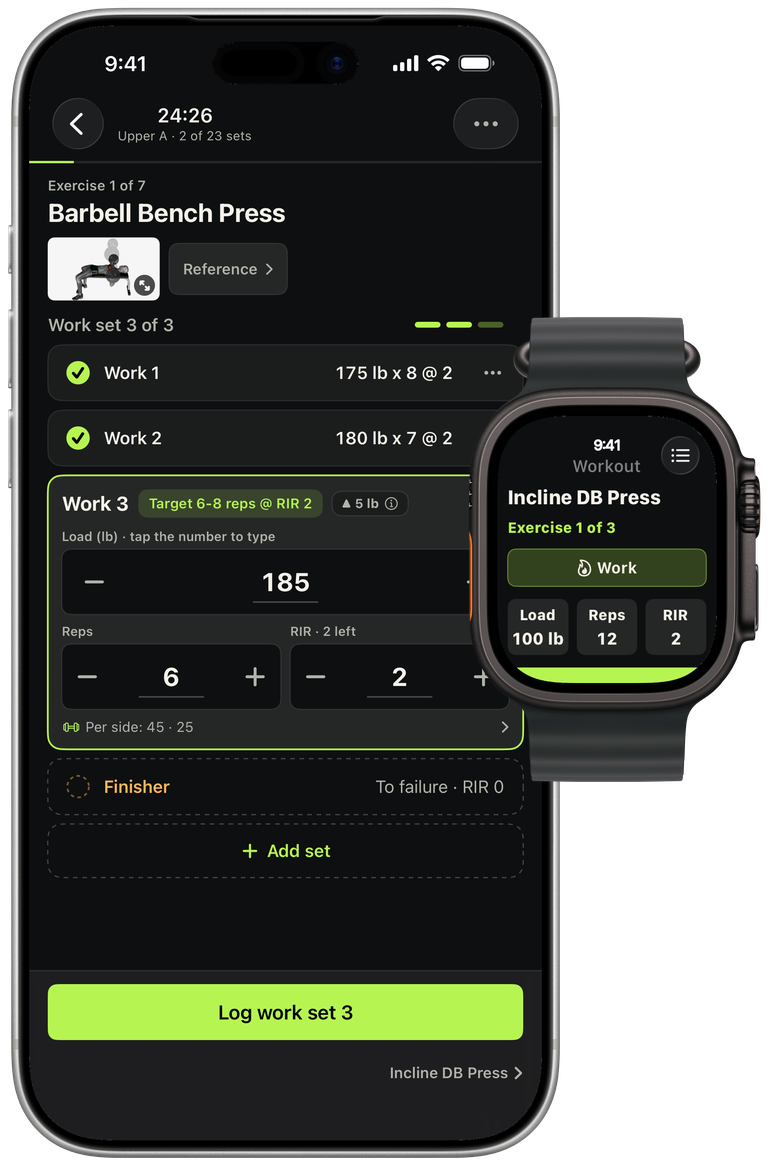
A hypertrophy logbook evaluates Jev against its existing coach feature and shares where it wins and loses
Jev judged this in 2,401 ms for $0.00008
Live site · found by A hunter
A hypertrophy logbook evaluates Jev against its existing coach feature and shares where it wins and loses
Jev judged this in 2,401 ms for $0.00008
Found something worth sharing?
Drop the link and Jev reads it on the spot. What belongs lands in the community feed with your name on it.

Live siteTools and apps
Natural language launcher for Mac that finds files, controls system settings, and runs commands inside your apps
 @mberrishdev

Nelson P.Klark
@nelsonpatrao
Inspired by @heystefan_: name a dish or a cocktail, and its ingredients rise out of a pile of stickers. ⚡ Jev judges every search in half a second 🎨 ~1,000 illustrations by FLUX.1 [dev], run locally through ComfyUI 🧠 Claude Opus 5.5 built it all and redrew the illustrations that came out wrong 🍝 http://jev-kitchen.vercel.app/recipe 🍹 http://jev-kitchen.vercel.app/cocktail
XTools and apps
@nelsonpatrao

Sal
@cyberesian
I have a confession. My Mac is a mess. So I built Sift, an open-source macOS app that looks at the files already sitting on your Mac and turns them into a searchable visual catalog. And you can install it directly from the link below. It catalogs your photos, screenshots, videos and documents where they already are, and lets you search for them the way you actually remember them. Often like: “that screenshot with the red chart”, “the photo from the restaurant”, or “that PDF about that school project”. It can also find duplicates and suggest where things should go, but nothing moves until you approve it. Most of the work happens directly on the Mac. And yes, apparently I needed to build an AI app to finally deal with my Downloads folder. I also used Jev from @typesafeai for some of the small decisions inside Sift, where using a giant model would make absolutely no sense. If you run on Mac M Silicon, you can install, download and run the DMG file from the open source repo release card in: http://github.com/Cyberesia/sift
